Dotfiles
Links
Built With
Description
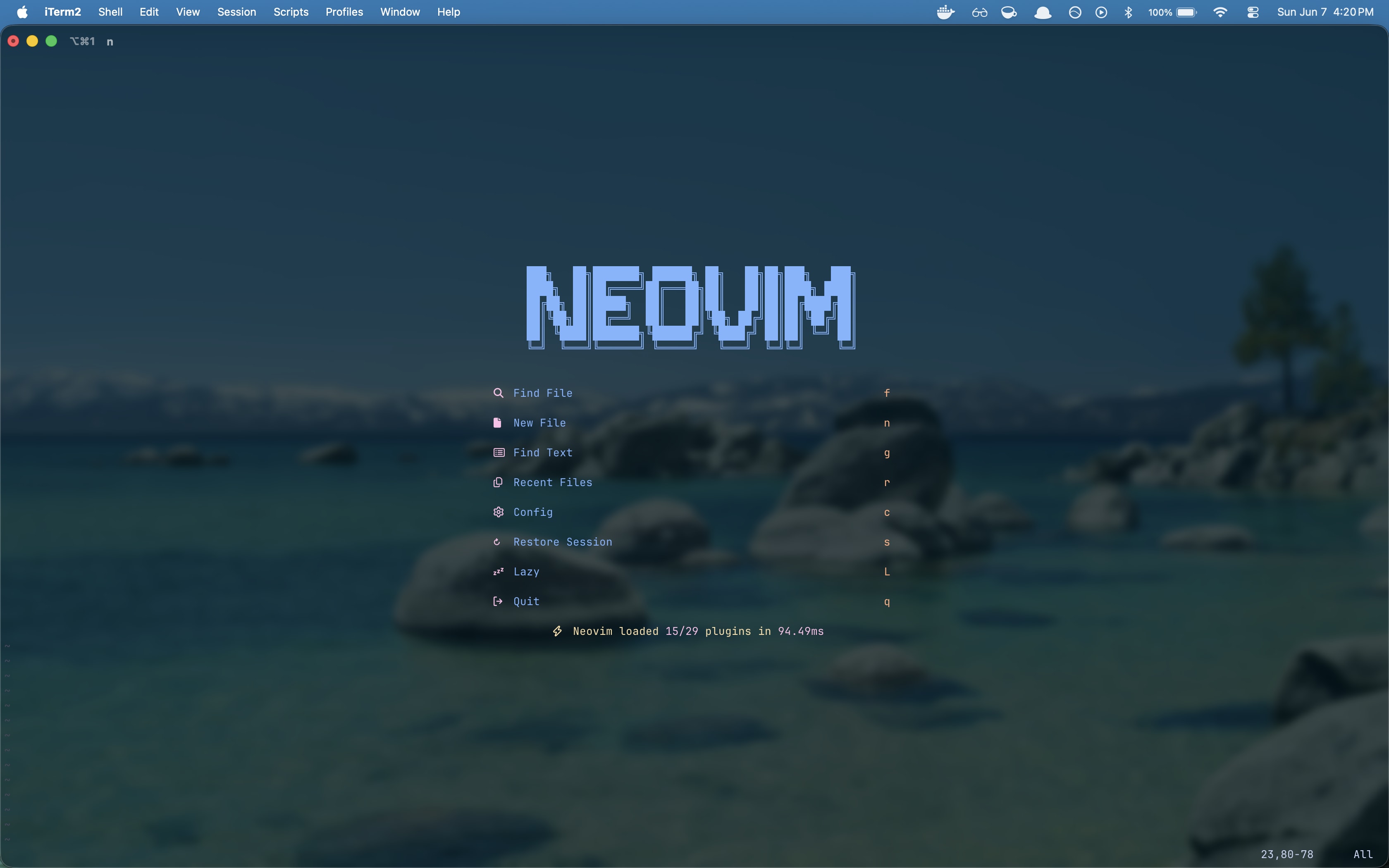
A single source of truth for every config file across Linux and macOS, deployed in minutes via GNU Stow. Covers the full development environment from the window manager down: Neovim, Zsh, Tmux, and both a Hyprland Wayland stack and an i3 X11 stack for Linux. Clone it, stow the packages you need, and be productive on any machine without touching a settings menu.
Motivation
For a long time my configs lived across a graveyard of gists, scattered files on individual machines, and half-remembered blog posts. I'd tweak something on one computer, forget to sync it, and slowly every machine became its own snowflake. The real cost wasn't the manual copying; it was never being able to trust that any given machine was actually set up the way I wanted. Fresh installs meant losing months of accumulated muscle memory. I finally sat down to fix it properly, and the goal was simple: one canonical repo, applied with a single command, that I never have to think about again.
Technical Challenge
The core design insight behind GNU Stow is that each package directory mirrors the structure of $HOME exactly. Running stow against a package creates symlinks in the right places automatically; removing them is a single flag away. That model made the platform split obvious: a global/ directory for cross-platform tools like Neovim, and separate linux/ and macos/ directories for OS-specific configs. Any given machine stows exactly the packages it needs and ignores the rest. The Linux side maintains two complete desktop stacks: Hyprland on Wayland as the primary setup and i3 on X11 as a fallback, because not every machine or GPU driver plays well with Wayland. Keeping both configs in the repo means switching stacks is a stow command, not a reinstall. Neovim uses Mason to auto-install LSP servers, formatters, and linters on first launch, so the editor is fully operational from a fresh clone with no manual setup steps. Tmux Resurrect saves session state across reboots, which means a machine restart doesn't require rebuilding a terminal layout from scratch.